Monday, July 27, 2026

The fast rendering blog

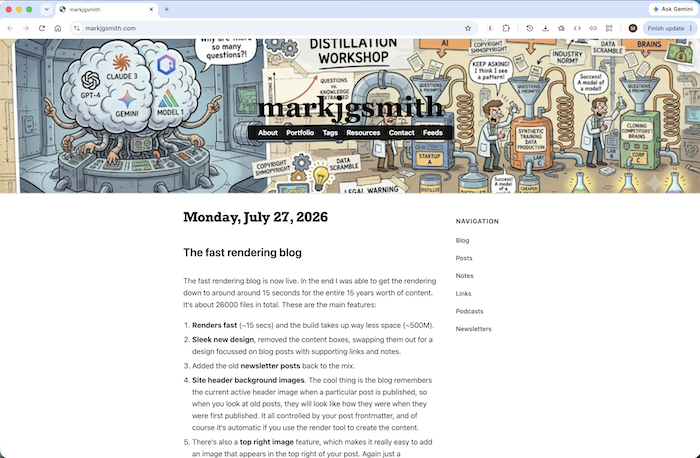
The fast rendering blog is now live. In the end I was able to get the rendering down to around around 15 seconds for the entire 15 years worth of content. It‘s about 26000 files in total. These are the main features:

  1. Renders fast (~15 secs) and the build takes up way less space (~500M).
  2. Sleek new design, removed the content boxes, swapping them out for a design focussed on blog posts with supporting links and notes.
  3. Added the old newsletter posts back to the mix.
  4. Site header background images. The cool thing is the blog remembers the current active header image when a particular post is published, so when you look at old posts, they will look like how they were when they were first published. It‘s all controlled by your post frontmatter, and of course it‘s automatic if you use the render tool to create the content.
  5. There‘s also a top right image feature, which makes it really easy to add an image that appears in the top right of your post. Again just a frontmatter field you add to your post.
  6. Tags pages - this was on the old blog system, but I‘ve managed to make it much more useful. All posts have clickable tags so you can easily see other similar posts with 1 click.
  7. A light weight bucket framework for creating organised HTML, where different content types just slot into place whether it‘s a single post, a flat list, or grouped by day.
  8. Themes - The CSS is way way more organised. Themes are installable from an npm module, and you can easily customise things, by adding a user styles.

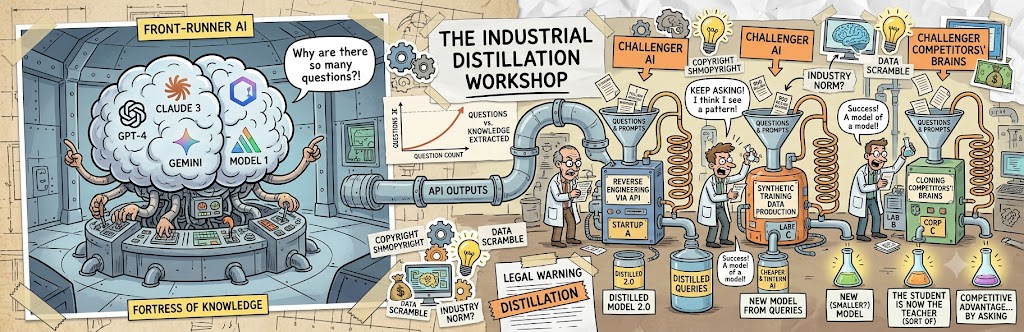
Since I will likely be changing the header image relatively often, I have added a headers page to keep a record of each new one as I add them. The first one is called The industrial distillation workshop, a humorous look at the new trend in AI development that people seem to be quite freaked out about.

The whole thing is built using my new rendering tool, to which I had to add quite a few things, and seems to be working very well.

Udpate: Here‘s how it looks:
Fast Rendering Blog

The industrial distillation workshop

This is a new header background image for the blog, the first one using the new stateful header images feature. It‘s a humorous take on the current moment in the tech industry where it seems everyone is freaking out about AI companies building their models by asking other models zillions and zillions of questions, otherwise known as distillation.

I came up with the theme and idea but it was Gemini that really brought it to life. I basically just said make a humorous image about everyone freaking out about model distillation. I think it‘s kind of spot on.

Obviously I don‘t personally endorse model distillation, to be honest I don‘t really know how to think about it, but I do know that I need to be freaked out about it!

Here's the full resolution image in case it‘s difficult to see the whole thing in the blog header:

The industrial distillation workshop

I plan to keep a list of the various blog headers I add to the blog here.

Floating above the mountains

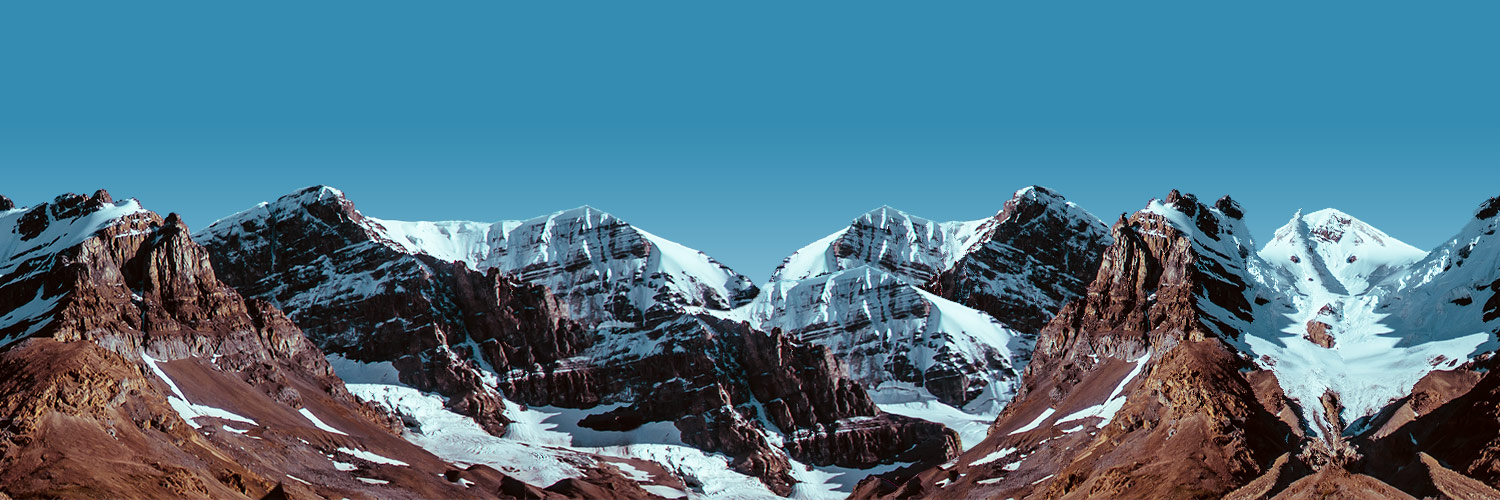
This was the original first blog header background image I added on 2025/10/04. I mentioned it here at the time. Previous to this I was running a homepage that used this as the background image. It wasn‘t a blog. It just listed my contact details and linked to the blog which was on a subdomain.

I called it floating above the mountains because when the site title text got superimposed on the mountains it was like I was floating above them. I love mountains. I love snowboarding. Lots of fond memories.

I can‘t quite remember where it‘s from. I think it was part of a blog starter kit I got online somewhere. It was a really long time ago.

Here it is in full:

Floating above the mountains

You can see all the other header images so far on the headers page.

Update: I remembered the source. It was from HTML5 UP.

AARomanov1985/Audio-Cassette-Simulation - simulate cassette tape audio profiles using ffmpeg. github.com #

Showing the last 1 active days.

For more content, use the navigation tree in the sidebar to explore the full archives.